SEFIRE · Fireplace guides
Water Vapor Fireplace Smart Home Setup: What to Verify
Check the controller, ordered interfaces and supported functions before planning Tuya, Alexa, Google Home, Apple Home or building automation.
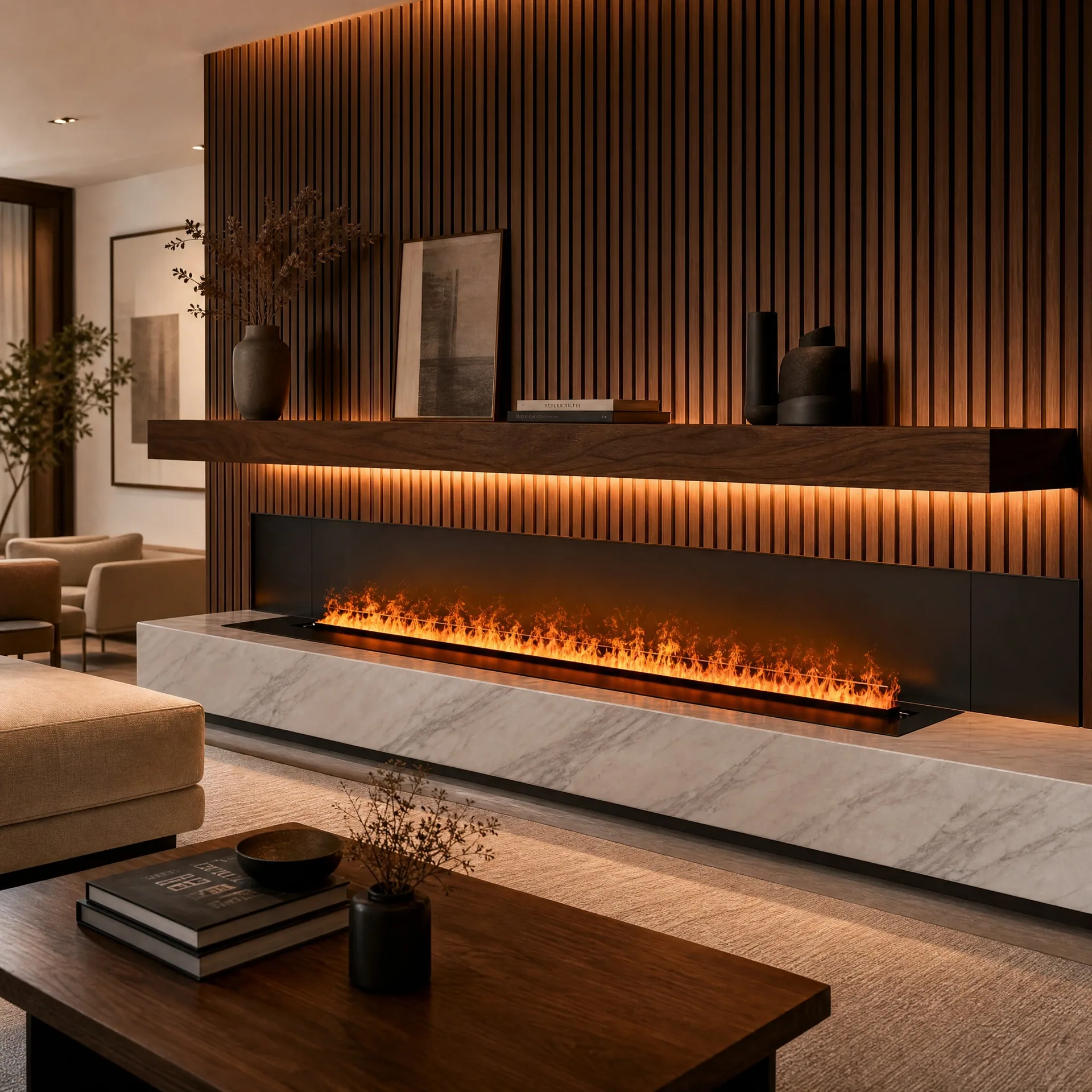
Compatibility belongs to the exact configuration
A fireplace with an app is not automatically compatible with every voice assistant or building-management system. Identify the model, controller, app, firmware and ordered interface before specifying an integration. A Wi-Fi logo does not establish Apple Home, Matter, KNX or offline operation.
Prepare an integration schedule
| Item | What to record |
|---|---|
| Controller and app | Exact names, region and supported commissioning procedure |
| Functions | On/off, mist level, light, filling or fault status as actually exposed |
| Connection | Network, dry contact or other ordered interface |
| Dependencies | Hub, bridge, cloud account or integrator programming if required |
| Failure behavior | What happens after network loss, power loss or a water fault |
Tuya and voice assistants
If the delivered controller uses a supported Tuya or Smart Life app, follow that controller's pairing instructions. Check the specific assistant integration and region; do not assume that every function exposed in the app will also appear in voice control. An Alexa or Google Home integration does not by itself prove native Apple Home support. An additional bridge is only appropriate if its supplier and the appliance manufacturer confirm the intended arrangement.
Commission locally before connecting automation
First verify normal operation with the supplied controls and the correct water system. Then add the approved integration and test each required command. Do not bypass water-level protection, fault handling or manufacturer control logic to achieve remote switching. A smart plug is not a substitute for a supported control interface, particularly where restart behavior has not been established.
Handover and maintenance
Document who owns the account, how a replacement controller will be commissioned and how staff can operate the fireplace when an automation platform is unavailable. Do not place passwords in a public installation drawing. For a commercial project, include clear authority for schedules and a way to isolate the appliance during cleaning.
Before requesting a quotation
Share the required platform, country, preferred control functions and integrator's proposed connection. Ask SEFIRE to confirm the available configuration in writing. Universal compatibility claims from an older marketing page should not be used as the specification for a new order.